
Vertical-video field guide
Extract Reel stills that survive a mobile layout
Instagram reel frame capture
A saved Instagram Reel is usually short, vertical, tightly edited, and covered by interface elements when viewed in the app. Those characteristics make frame selection different from a long horizontal tutorial. A clean still must capture the intended expression or product state, avoid motion blur from a fast transition, and leave enough room for the future crop or overlay. The strongest frame inside the moving video is not always the strongest standalone cover.
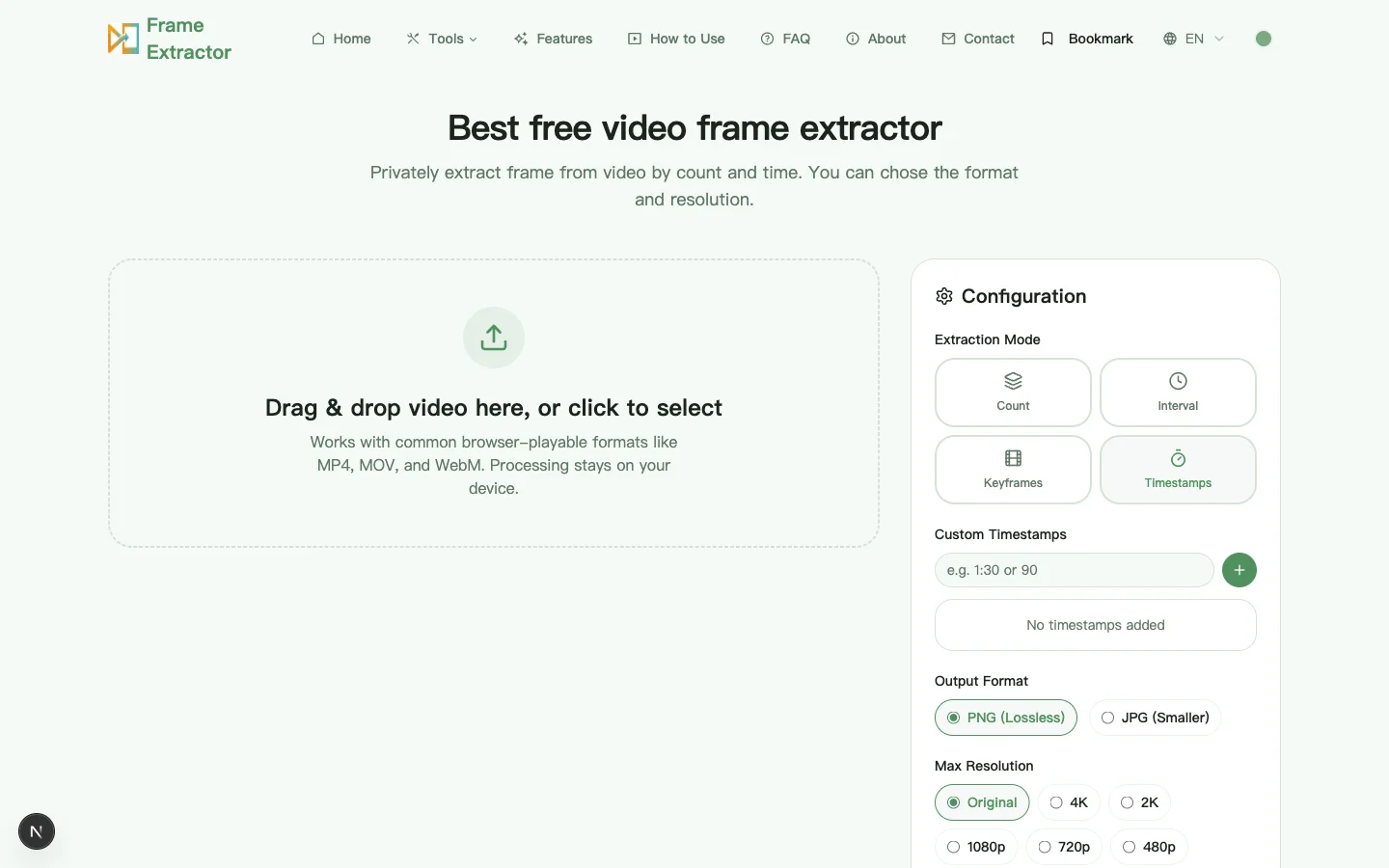
This page works with a Reel file already stored on your device; it does not download an Instagram URL or bypass platform controls. Use only footage you own or are authorized to repurpose. If the source came from an editor or creator, ask for the highest-quality approved export rather than extracting from a screen recording with player controls and an extra round of compression.
What is distinctive about Reel footage
Many Reel exports use a 9:16 canvas, commonly 1080 by 1920 pixels, but the actual source can vary. Captions, usernames, buttons, and bottom navigation may cover edge content during playback. When the still will return to a social layout, favor a subject placed away from the extreme top, bottom, and right edge. Do not assume every platform preview uses the same crop; inspect the destination before final publishing.
Fast cuts, speed ramps, autofocus shifts, and animated text create many technically valid but visually weak frames. Keyframe mode is useful for locating edits, while timestamps are better for refining a reveal or expression. Compare moments just after a cut has settled. A frame grabbed during a transition may contain blended images or half-rendered typography that was invisible at normal playback speed.
A Reel-specific review sequence
Separate cover and supporting needs
Choose one cover candidate that reads at small size, then select supporting stills for a brief, carousel, or creator review. A cover needs a single obvious subject; supporting images can preserve more process detail.
Scan edits before fine seeking
Use keyframes or a small count for the first pass through a fast clip. Mark the product reveal, expression change, tutorial result, or on-screen claim, then request nearby timestamps for a sharper final choice.
Check text and safe areas
Reject frames where animated text is incomplete or where a future app overlay will hide the subject. Keep an untouched export before adding captions so the same source can be reused in another layout.
Export for the handoff
Use original-size PNG when a designer will mask, retouch, or add typography. Use high-quality JPG when the still is mainly photographic and must move quickly through review chat or a content calendar.
Worked example: a three-beat product Reel
Imagine a fifteen-second vertical demo with an opening problem, a close-up application, and a final result. A uniform one-second interval produces many hand-motion frames but may miss the instant the label faces the camera. A keyframe scan identifies the three editorial beats. Timestamp passes around each beat then find a stable problem frame, a clear product frame, and a final result with a natural expression.
The cover candidate should remain understandable when reduced to a narrow phone preview. The application frame can be retained as PNG for a tutorial graphic, while the before-and-after images may be JPG for a planning document. Keeping these roles separate avoids forcing one frame to serve as cover, evidence, and step illustration at the same time.
Review the still in the layouts where it will actually appear
Check the candidate in more than the full 9:16 view. Place it in a simple mockup of the profile grid, a feed preview, and the intended full-screen placement. Platform interfaces and crops change, so there is no permanent universal safe-area measurement. The practical test is whether the face, product, result, and essential text remain understandable when common overlays or a tighter preview remove part of the edge.
Inspect two scales for different faults. At 100 percent, reject motion blur, autofocus hunting, blended transitions, incomplete captions, and compression blocks around fine detail. At phone-thumbnail size, ignore tiny detail and ask whether one subject and one visual idea are immediately clear. Enlarging a weak source does not restore detail; return to the approved master or choose a calmer adjacent moment when the candidate looks soft.
Keep an asset note with the source owner, approval status, Reel version, elapsed timestamp, and intended destination. A creator may approve a frame for an internal content calendar without approving it for a paid campaign or a new crop. Before publishing, verify product claims against the final video, preserve a clean version without added text, and prepare meaningful alternative text for destinations that support it.
9:16 safe zones: what the app interface covers
A 1080 × 1920 export is not 1080 × 1920 of visible picture. In the app, the top band carries the account name and audio attribution, the bottom band carries the caption and call to action, and the right edge carries a vertical stack of action buttons. The proportions shift between versions and between the feed and the full-screen viewer, which is why no published pixel value stays correct for long.
The practical rule is to keep the subject — a face, a product, a result — inside a centred rectangle roughly four fifths of the width and two thirds of the height, and to treat everything outside that as expendable. Test the candidate in the tightest crop you expect, not the widest. A frame where the product label sits at the very bottom edge will look fine in the editor and be covered by the caption in the feed.
This matters more for extracted stills than for the video itself, because the video moves and the eye follows it. A still is judged as a composition, and a composition with its subject behind an interface element is simply a bad image.
Why a Reel export looks sharper than your screenshot
A screenshot of the player captures what the compositor produced: the video scaled to the window, the interface drawn on top, the display’s colour conversion applied, and then a PNG written from the framebuffer. If the window was smaller than the video’s native size, you captured a downscale. If the device had a non-integer pixel ratio, you captured a resample of a resample.
Extracting from the file skips all of that. The decoder produces the frame at its encoded resolution, and the export writes those pixels. There is no interface, no window scaling, and no second colour conversion — which is why the same moment looks cleaner as an extracted still than as a screenshot, even though both are “one frame”.
The one thing extraction cannot fix is what the platform did to the file before you got it. A Reel that was uploaded at 1080 × 1920 and re-encoded at a lower bitrate carries that compression in every frame. Extraction preserves it faithfully; it does not undo it. If you need the clean version, ask the creator for the approved master rather than working backwards from a distributed copy.
Cover frame and first frame are different things
In the app, the cover is a separate asset. It can be any frame from the clip, an uploaded image, or a frame with text added. The first frame is simply whatever plays at time zero, and on a clip that opens on a black fade or a hand reaching for a product, it is usually the worst possible cover.
This distinction is the most common mismatch between what people search for and what they need. Someone looking for a “Reel cover” wants an image that will represent the video in a grid, at roughly thumbnail size, with the subject centred and room for a title. Someone looking for a “first frame” wants the literal opening instant, usually for a transition or an edit reference. Extracting the first frame and using it as a cover is how a good clip ends up with a thumbnail of a dark screen.
Choose the cover candidate by testing it small: reduce it to the size it will appear in a profile grid and ask whether the subject is identifiable in under a second. That test rejects most frames that looked strong at full size, and it is the reason a cover pass and a supporting-stills pass should be separate passes with separate criteria.
Questions specific to Reel stills
Can I paste an Instagram link here?
No. This is a local video frame extractor, not an Instagram downloader. Obtain the file through a method you are authorized to use, then load that file from your device. The site does not request account credentials or connect to an Instagram profile.
Why is a screenshot from the Instagram player worse?
A player screenshot can include interface overlays, device scaling, color conversion, and a second compression step. Extracting from the approved source file normally preserves more of the encoded frame and produces a clean image without app controls.
How do I choose a frame for a Reel cover?
Test the candidate at small size. Look for a clear subject, stable facial expression, legible product orientation, and open space for any planned title. Also preview the destination crop because the profile grid and full-screen viewer may not show the same area.